What Counts as One Open vs Multiple Opens
Understand email open and click activity so you can read the signal clearly and choose a sensible next step.
The practical answer
What Counts as One Open vs Multiple Opens is ultimately about reading email activity with the right level of confidence. Open counts, timestamps, and link clicks answer different questions. Opens suggest that the message loaded; clicks show that a tracked destination was requested.
For multiple email opens, the most useful approach is to start with the decision you need to make. A timestamp can help with timing, a repeat-open count can suggest renewed activity, and a link click can show which resource drew attention. None of these signals explains intent by itself.
A reliable workflow
Keep the process simple enough to repeat. Start with one controlled message, confirm that tracking was added, and then review the activity in one place instead of constantly refreshing Gmail.
- Compare the first-open time with the send time.
- Review repeat opens without assuming they came from different people.
- Give a relevant click more weight than a passive open when choosing a follow-up.
How to interpret the signal
A single tick means the message was sent with tracking. A double tick means an open was recorded, while the number beside it reflects recorded opens after your own views are filtered out. Link clicks appear separately because they represent a different action.
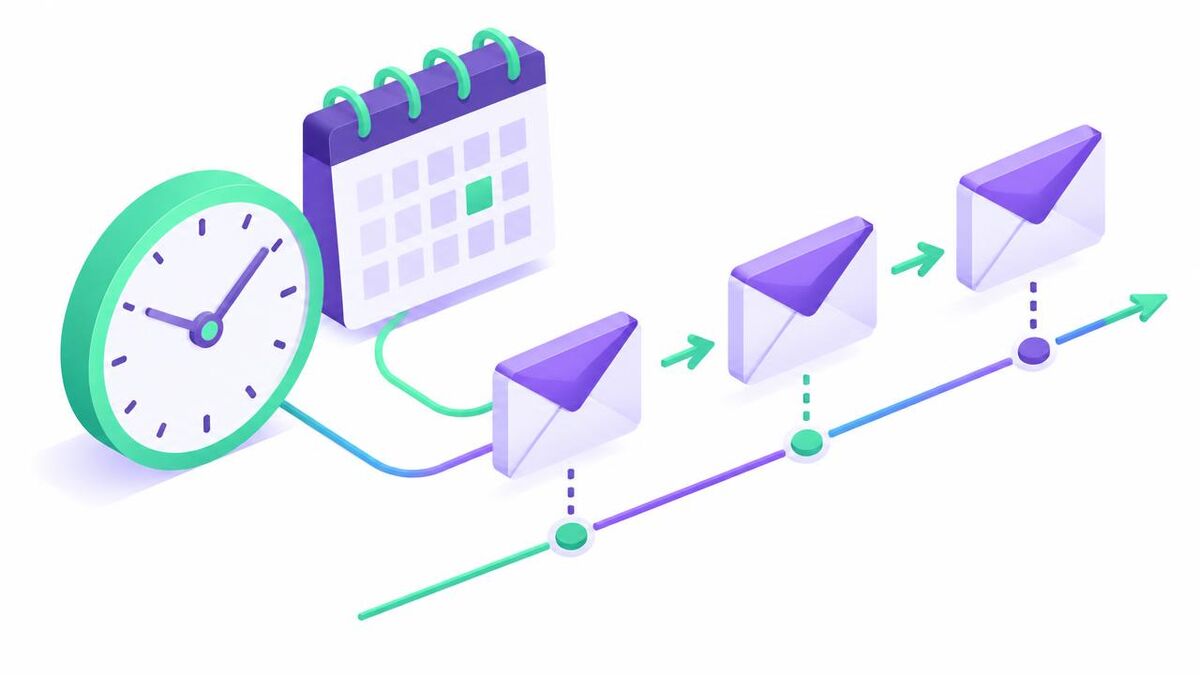
Use the sequence of events rather than one isolated number. The send time, first open, later opens, and relevant clicks together create a more useful timeline for a considerate follow-up.
Limits and responsible use
Analytics describe activity, not intent. Pair the numbers with the recipient, message context, and your existing relationship.
Some email apps and privacy features limit or pre-load activity. That means a missing open does not prove the email was ignored, and a recorded open does not always prove focused human attention. Be transparent and follow the privacy rules that apply to your recipients.
What to do next
Apply this guidance to one real message related to multiple email opens. Confirm the Sent status, wait for meaningful activity, and make your next message useful even if the recipient never saw the tracking signal.
Track My Mails keeps the core workflow inside Gmail and provides a separate timeline for opens and clicks, so you can review context without changing how you send.
Frequently asked questions
What is the most important thing to know about multiple email opens?
What Counts as One Open vs Multiple Opens should be approached as a question of context, not certainty. Opens and clicks can help with timing, but they do not prove attention, identity, or intent.
Does a recorded open guarantee that the recipient read the email?
No. A recorded open is a helpful signal, not proof of reading. Preview panes, security scanners and privacy tools can affect it.
What should I do if no open is recorded?
First confirm that the message showed a sent tick and appears in your dashboard. If it does, the recipient's privacy settings may explain the missing open. Follow up based on context rather than assuming the email was ignored.
Track your next Gmail with context
See sent status in Gmail and review opens, timestamps, and link clicks in one dashboard.
Start with Google